 AESTAR
Read the real picture
Quotes, appointments, and the next job are the same records on the desk.
Aestar MCP
Point Ava at the model and tools you want. She still speaks as Ava, and writes still wait for confirm.
Aestar MCP · labeled demo · confirm before anything writes
Ask a tool. Ava answers. Calendar writes stay ready to review — this demo does not write live events.
Aestar MCP · labeled demo
What MCP can touch
Tools are shop records, not a second named AI.
Quotes, appointments, and the next job are the same records on the desk.
Ask Owner Ask for the afternoon board without naming a new agent.
Moves show as ready to review until you confirm — this demo does not write live calendar events.
A controlled connection
Read, propose, confirm. Revoke from the account.
Jobs and Quotes are on. Calendar writes still wait for confirm.
Questions
This demo does not write live calendar events.
No. Confirm is labeled demo. Calendar writes stay ready to review on this marketing preview.
No. Ava is the only named AI. Tools are shop records — jobs, quotes, calendar, Owner Ask.
Yes in the live account. Permission is part of the product. This page only shows the control, it does not connect your model.
On the Owner Desk as the same Priya / Owen / leak tickets you can click here.
Related
Desk, Owner Ask, and integrations share the confirm-before-write rule.
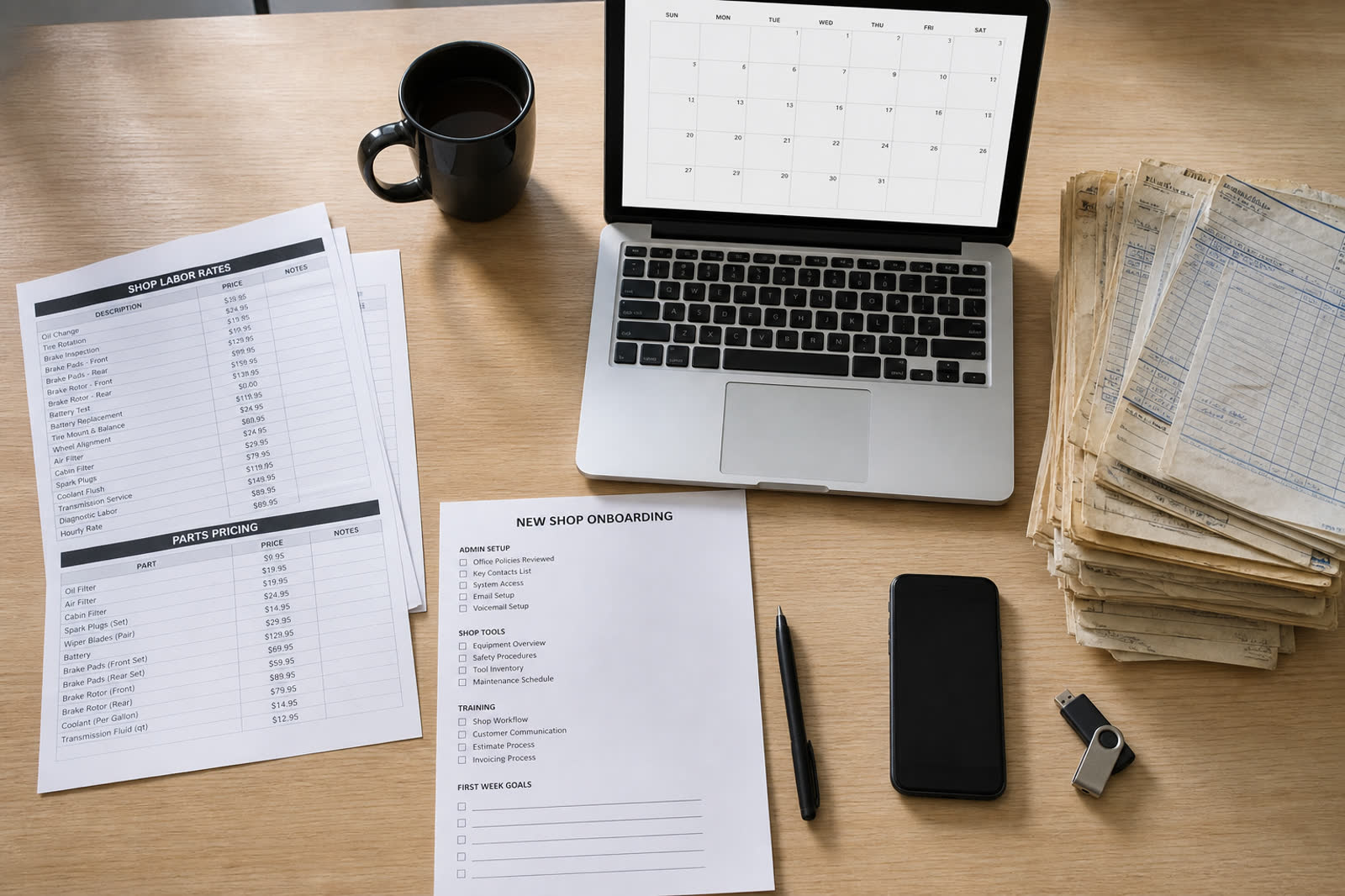
The afternoon board MCP reads is this Mesa day.
Open Owner Desk →
Nameless. Ava still answers. No extra agent.
Open Owner Ask →
Demo-connect the stack. MCP is the honest exit when a logo is missing.
Open integrations →
Same Priya / Owen tickets MCP can read.
Open Try →MCP sits in the setup wheel after demo-connect.
Open How it works →Preview $0. Connect the model after go-live.
View pricing →Keep the shop close to the conversation
MCP tools still land on the Owner Desk as jobs, quotes, and next actions.